


Increase only the text size in Windows 10
- glen8737
- Jan 28, 2021
- 1 min read
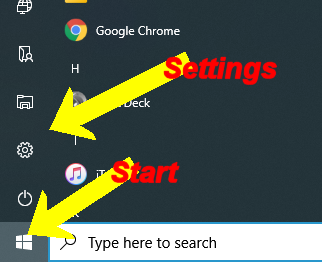
To change "just" the text size in Windows 10, select Start > Settings > Ease of Access > Display. Adjust the slider under Make text bigger. Click Apply once adjusted to your preferred setting


To make everything larger, including images and apps, choose an option from the drop-down menu under Make everything bigger.


Comments